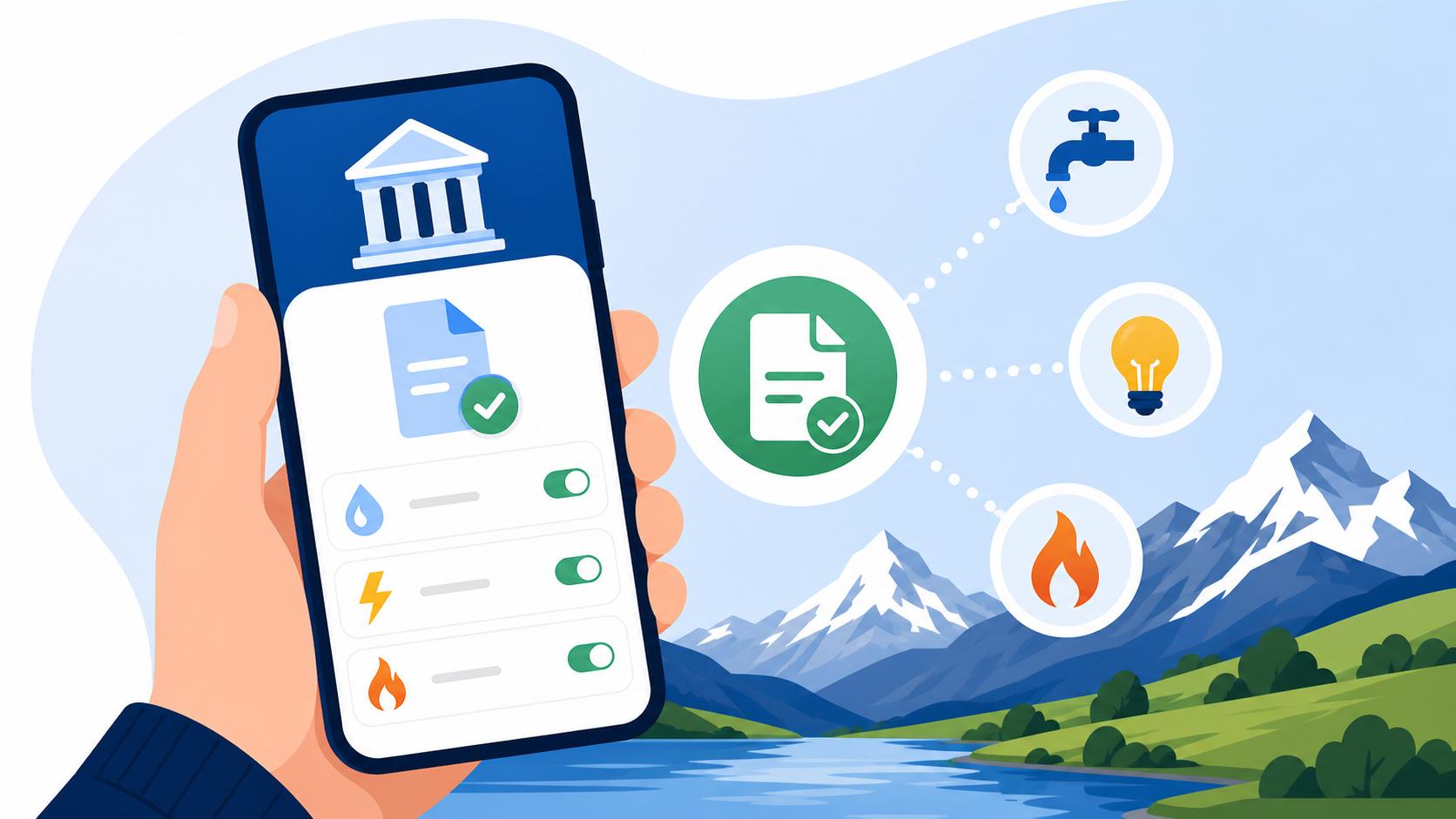
Setting Up eBill in Your Swiss E-Banking App for Utility Payments
Struggling with a mountain of physical mail and those intimidating QR-slips can make anyone feel like they are failing at "Swissing." I remember my first month in Zurich, staring at a stack of paper bills on my kitchen table, terrified that a single typo in a 27-digit reference number would trigger a debt collection notice. This guide will walk you through setting up eBill to automate your utility payments and reclaim your peace of mind.
What exactly is eBill and why is it a game-changer for Swiss expats
If you have spent more than a week in Switzerland, you have likely encountered the "QR-bill." It is the modern version of those old orange and red slips that used to haunt every expat's mailbox. While the QR code made things easier, you still have to physically scan the bill with your phone or, heaven forbid, manually type in the details. This is where eBill steps in. It is a centralized system integrated directly into your Swiss bank account that allows companies to send invoices digitally to your banking portal rather than your physical mailbox.
The beauty of eBill is the elimination of the "middleman"—in this case, the postman and your scanner. When a company like Swisscom or your local electricity provider issues a bill, it appears as a notification in your banking app. You review it, click "approve," and the money is sent. There is no risk of losing a letter in the mail, and no risk of a "Betreibung" because a bill slipped behind the radiator. For those of us navigating the Cost of Living in Switzerland 2026: Budgeting for Singles and Families, reducing the friction of monthly payments is the first step toward financial stability.
Furthermore, eBill is significantly more secure than traditional methods. Since the bill is delivered within the encrypted environment of your bank, there is no chance of "man-in-the-middle" attacks where a fraudster might swap a QR code on a paper bill. You are seeing exactly what the utility company sent. For those who are also managing international portfolios via platforms like Binance or moving money with Wise, keeping your local Swiss "housekeeping" automated and secure is a massive relief.
Step-by-Step: Enabling eBill in your Swiss E-Banking portal
Every major Swiss bank, from the giants like UBS to local Cantonal banks and even neobanks like Neon or Yuh, supports eBill. The process is remarkably standardized because the system is managed by SIX, the same group that runs the Swiss stock exchange. To get started, you first need to log into your e-banking portal. Look for a menu item labeled "Payments" or "Pay & Transfer." Inside that section, you will see a prominent "eBill" tab.
Once you click this, you will usually be asked to "register" or "activate" the service. This does not cost anything. During this setup, you will provide an email address. This is the email where you will receive notifications when a new bill arrives. I highly recommend using the same email you used for your utility contracts to ensure the system can automatically match you with billers. After confirming your email, you are officially in the eBill ecosystem. This is a critical part of your Financial Checklist for Your First 30 Days as an Expat in Switzerland.
After activation, you won't see your bills immediately. You have to "subscribe" to individual billers. Think of this like adding a friend on social media. You search for "EWZ" (if you are in Zurich) or "SIG" (if you are in Geneva). The system will then ask for your customer number or a previous invoice number to verify your identity. Once the company accepts your request—which usually takes a few business days—all future invoices will stop coming by post and start appearing in your app.
Managing your eBills: Approvals and the power of permanent authorization
The real magic of eBill isn't just receiving the digital invoice; it is how you pay it. When a bill arrives, it sits in your "Pending" folder. You can open the PDF of the actual invoice right there in the app to check if your heating costs look suspicious or if your internet bill has a random "activation fee" you didn't agree to. If everything looks good, you simply click "Approve." You can even change the execution date if you want the money to leave your account closer to payday.
However, for recurring bills that stay the same—like your Private Liability Insurance (Privathaftpflicht): Why Expats Need It—you can go one step further: Permanent Authorization. This allows you to set a "limit." For example, you can tell the bank, "If my Billag/Serafe bill is under 400 CHF, just pay it automatically." This effectively turns eBill into a much safer version of a direct debit. You still get a notification that the bill was paid, and you can still go in and cancel a payment if something is wrong, but you never have to manually click a button.
| Feature | Manual QR-Bill | eBill (Manual Approval) | eBill (Permanent Approval) |
|---|---|---|---|
| Delivery Method | Physical Post / Email PDF | Directly in Bank Portal | Directly in Bank Portal |
| Data Entry | Scan QR or Manual Type | None | None |
| Risk of Late Fees | High (if forgotten) | Low (App Notifications) | Zero |
| Control | Total | High (Review each bill) | Automated (with limits) |
| Best For | One-time purchases | Variable utilities | Insurance, Subscriptions |
Managing these payments efficiently is a core part of Banking and Finance for Expats in Switzerland: The 2027 Guide. Once you have your eBill running, you stop spending your Saturday mornings at the kitchen table with a scanner, which is a victory for any expat's work-life balance.
Comparing eBill with LSV and other payment methods
You might be wondering, "Why not just use a Direct Debit (LSV)?" In Switzerland, LSV (Lastschriftverfahren) gives the company permission to "pull" money from your account. While convenient, many expats—myself included—find it a bit invasive. If the company makes a mistake and pulls 2,000 CHF instead of 200 CHF, the burden is on you to fight for a refund. With eBill, you are in the driver's seat. You see the amount before it leaves, and even with permanent authorization, you can set a cap that protects your balance.
Then there is TWINT. We all love TWINT for paying friends back for dinner or buying apples at a farm stand, and while you can pay some bills via TWINT, it is usually a manual process of scanning a code on a piece of paper. It doesn't offer the same "archive" functionality as eBill. If you need to prove you paid your rent for your Swiss Taxes Explained: Federal, Cantonal, and Municipal Rates filing, having all your utility PDFs neatly stored in your e-banking eBill history is much easier than digging through TWINT transaction logs.
For those using Best Neobanks in Switzerland: Neon, Yuh, and Zak Compared, the eBill interface is often much slicker than the legacy banks. These apps allow you to flip through your bills with swipes, making the administrative side of Swiss life feel almost… modern. If you are still Paying Bills at the Post Office Counter with a QR-slip (Einzahlungsschein), please know that there is a better way. The post office charges fees for those manual transactions, and those small costs add up over a year.
Integrating eBill into your broader financial ecosystem
As an expat, your finances are rarely "just" Swiss. You probably have a multi-currency account with Wise for your home country expenses, perhaps some savings in Trade Republic to catch a better interest rate than the local cantonal banks offer, or maybe you're exploring digital assets via Binance. The key to a stress-free life is ensuring your "Swiss Core" is automated so you can focus on your broader investments.
Think of eBill as the foundation of your Swiss financial "stack." When your Understanding Swiss Payslips: Deductions for AHV, ALV, and NBU shows your salary has landed, your eBills can be set to execute two days later. This ensures your local obligations are met before you move money into your investment accounts or send funds abroad. I’ve found that by setting my eBill permanent authorizations for my fixed costs, I can instantly see my "disposable income" for the month without doing complex math.
If you are a freelancer or have a side hustle, eBill is also starting to support small business features. While it is primarily for "paying," being aware of how the system works helps you understand the expectations of your Swiss clients. They want the same level of digital convenience you do. Efficiency in this area is a hallmark of a well-integrated expat.
Troubleshooting common eBill headaches
It isn't always perfect. The most common issue I hear from fellow expats is that they can't find a specific biller. This usually happens because some smaller companies use a third-party billing service. If you can't find "Local Gym Name," try searching for the parent company or check the bottom of your last paper bill for an "eBill ID." If that fails, it’s possible they haven't joined the network yet, in which case you are stuck with the QR-bill for now.
Another "gotcha" is changing banks. If you decide to move your funds from a big bank to one of the neobanks to save on fees, your eBill subscriptions do not automatically follow you. You have to "export" or "disconnect" them from the old bank and reconnect them at the new one. Most banks have a "transfer" function, but it can be finicky. I recommend keeping both accounts open for one month during the transition to ensure no utility bill falls through the cracks and results in a service disconnection.
Lastly, watch out for the "Multiple User" problem. If you and your partner have a joint account, usually only one of you can "own" the eBill link for a specific biller. If your partner sets up the electricity eBill in their app profile, it might not show up in yours. Communication is key here to avoid double-paying or, worse, both of you assuming the other clicked "Approve."
A Disclaimer on Financial Advice
This article is for informational purposes only and does not constitute professional financial or legal advice. Switzerland's banking regulations and eBill features can change, and you should always consult with your specific banking provider or a qualified financial advisor regarding your personal situation. The author is an expat sharing personal experiences and is not responsible for any late fees, debt collection actions, or financial losses incurred through the use of the mentioned services. Always verify payment details and biller identities before approving transactions in your e-banking app.